No Pile-Ups at the Dock: A Simple Scheduling Plan That Keeps Flow Moving


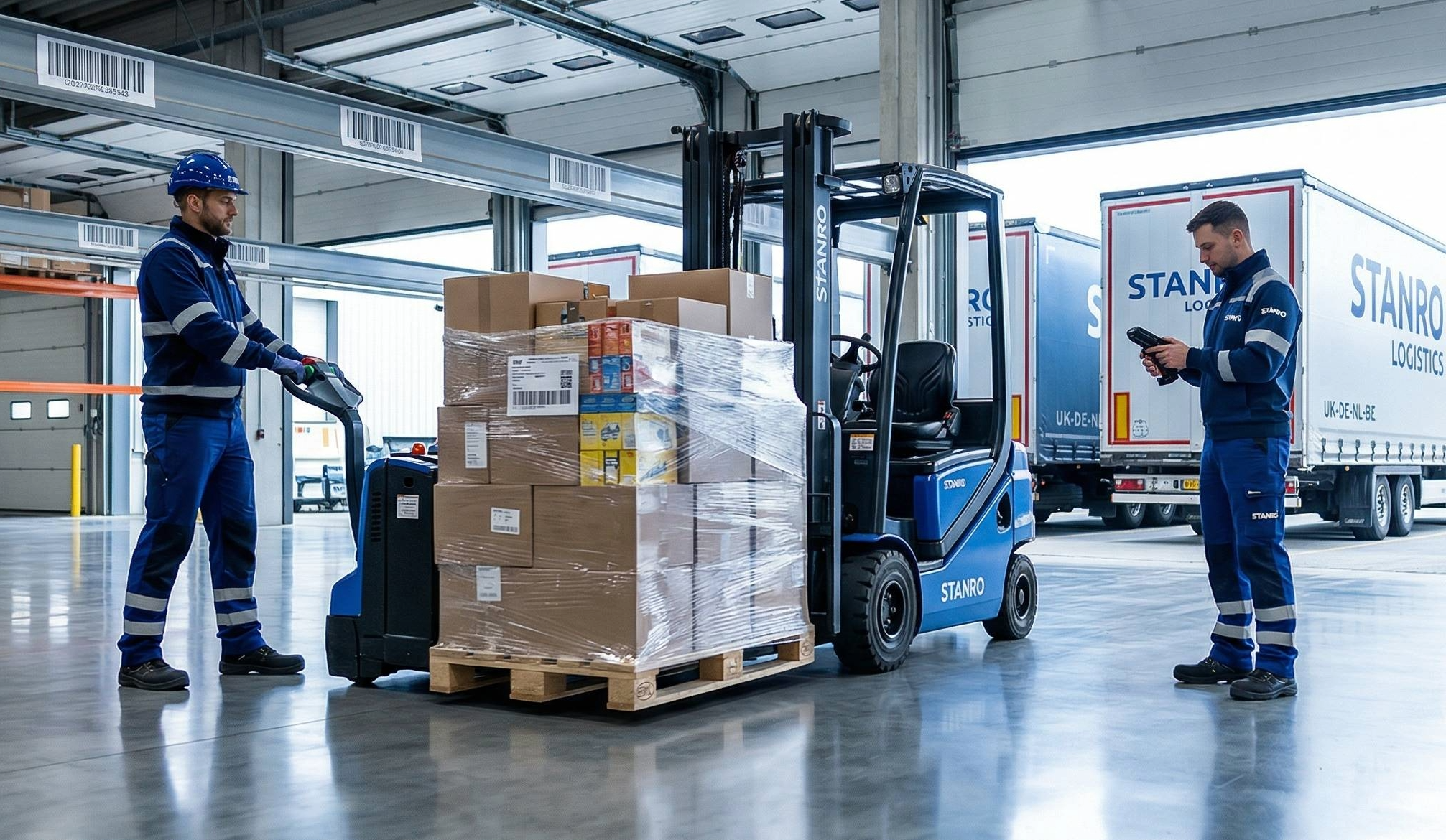
At 8:05 a.m., three trailers arrived at the same time.
Forklifts crisscrossed. The aisle filled up. Everyone asked the same question:
“Which one do we unload first?”
By noon, receiving was still behind. Picking had already slipped.
We didn’t need more dock doors.
We needed simple rules that keep the dock moving on purpose.

Myth 1: “First Come, First Served Is Fair.”


Fix: Fair isn’t the goal. Flow is.

When trucks are handled in arrival order, easy loads get stuck behind messy ones.
The line slows down.
Instead, divide the dock into three lanes:

Green (Fast)
🐦‍🔥One PO
🐦‍🔥Floor-ready pallets
🐦‍🔥No special handling

Blue (Standard)
🐦‍🔥1–3 POs
🐦‍🔥Mixed pallets or cartons

Red (Problem)
🐦‍🔥Many POs
🐦‍🔥Re-labeling
🐦‍🔥Hazmat
🐦‍🔥No ASN
This sorts work by effort.
Easy loads move right away.
Hard loads get space without blocking the morning.
Example:
At 8:10, we moved a no-ASN trailer to Red. That single decision kept two Green loads moving and cleared the aisle before 9:00.


Myth 2: “Appointments Don’t Work in Real Life.”


Fix: Appointments work when they match your capacity.

Split the day into 30-minute blocks.

Set limits per lane. Example:
🐦‍🔥Green = 3 per hour
🐦‍🔥Blue = 2 per hour
🐦‍🔥Red = 1 per hour
If a block is full, it’s full.
Early trucks wait.
Late trucks move to the next open slot.
This creates a steady pace the team can handle.
Vendors adjust quickly when the rule stays consistent.
Tip:
Post the appointment grid at the gate.
Email it weekly.
Make “No ASN = Red” a hard rule.


Myth 3: “Staging Pallets in the Aisle Is Faster.”


Fix: Staging creates extra work.

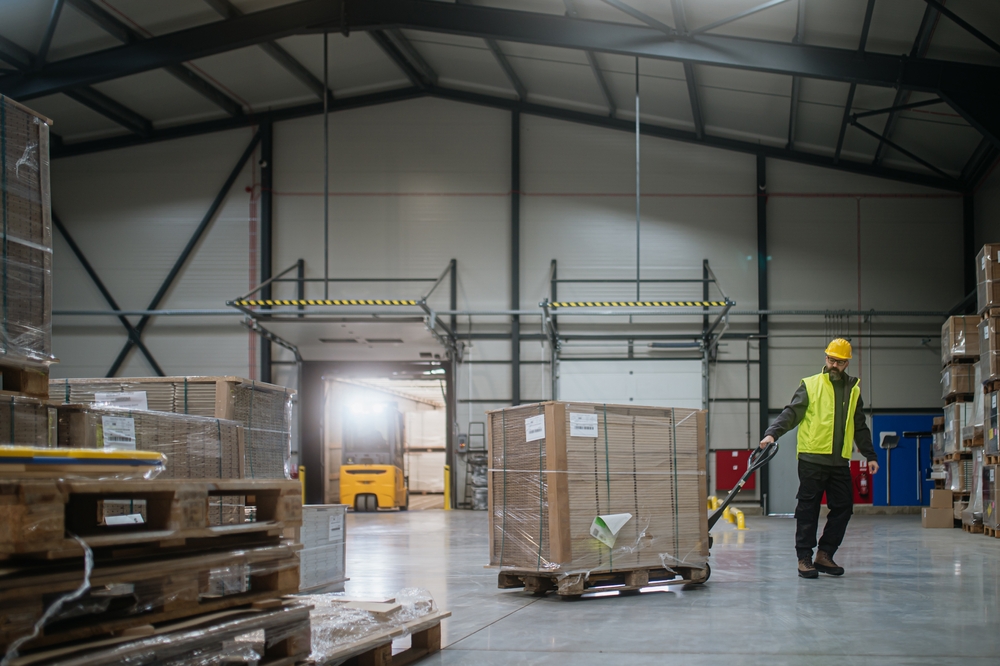
Instead, unload using micro-routes:

🐦‍🔥Group 5–10 pallets by zone.
🐦‍🔥Move them directly from the door to their bins.
🐦‍🔥Return to the door and repeat.
No pallet piles.
No “we’ll put it away later.”


You’ll see two results:
🐦‍🔥Gate-to-door time drops.
🐦‍🔥Door-to-pickable time shrinks.
The radios get quieter. 

Myth 4: “We Need More People.”


Fix: You need clear steps.

Give the dock crew a simple playbook.

When a trailer hits the door:
1.Open the PO or ASN.
2.Print pallet IDs while unloading.
3.Scan in this order:
   🐦‍🔥PO
   🐦‍🔥Pallet ID
   🐦‍🔥Destination location

If something looks wrong:
🐦‍🔥Scan it to Quarantine-01 (a real location near the dock).
🐦‍🔥Capture three things:
    🐦‍🔥One photo
    🐦‍🔥One reason code
    🐦‍🔥One reading (like temperature)
No long notes.
Just proof.
Later email chains disappear because the facts are already captured.

Myth 5: “We’ll Remember Where It Goes.”


Fix: Labels should do the remembering.

Post large, easy-to-read location labels.
Show the full path next to the barcode:
Building – Room – Aisle – Bay – Level – Bin
If you can’t read it at arm’s length, reprint it.
A new hire should find Aisle 4, Bay 07 without asking.
When racks tell the story clearly, putaway errors drop.


A Morning on the New Plan


7:45 — Gate scan shows Lane Green, Door 2, 30-minute block.
8:00 — Door team opens the PO, prints pallet IDs, starts a micro-route for Aisles 3–4.
8:10 — No-ASN trailer arrives. Assigned to Lane Red, Door 1, next block.
8:18 — A dented pallet goes to Quarantine-01. Photo + reason = “packaging damage.” The clock starts.
8:30 — First Green load is pickable. Aisle is clear.
9:00 — Green loads are closed. Red begins with time and space.
No sprinting.
No horns.
Picking stays on time.


What to Measure


Track these daily:
Gate-to-door time
If it’s long, tighten appointment rules and gate scans.
Door-to-pickable time
If it’s long, you’re staging in aisles or opening POs too late.
Receiving corrections
If high, your scan order or labels need attention.
When these trend down, OTIF improves without adding people or doors.


Common Problems


Vendor ignores appointment time
Hold the rule for two weeks. Late trucks move to the next open slot.
No ASN every time
Make No ASN = Red standard. Fewer slots, more time, closer to Quarantine.
Problem loads block the line
That’s why Red has fewer appointments and sits near the hold lane.


One-Week Starter Plan


Day 1: Mark the lanes (Green, Blue, Red). Post rules at gate and doors.
Day 2: Build the 30-minute appointment grid with limits per lane.
Day 3: Train the gate: scan appointment → assign door and time block.
Day 4: Move Quarantine-01 near the dock. Add photo and reason capture.
Day 5: Run micro-routes. Share a simple chart: gate-to-door and door-to-pickable.
Short meetings.
Clear lanes.
Open aisles.
That’s a well-run dock.


Where FireFlight Helps

FireFlight provides:
🐦‍🔥Appointment boards by lane and time block
🐦‍🔥Gate scans that assign door and target time
🐦‍🔥Receiving screens that enforce PO → pallet → destination order
🐦‍🔥A real Quarantine location with photo and reason capture
🐦‍🔥Live metrics for gate-to-door and door-to-pickable time
Problem loads don’t disrupt the floor.
Flow stays steady.
Want this running in your operation? Contact us to schedule a live demo.

 

Inventory Control Quality Management Supply Chain Warehouse Optimization

Quality Holds That Actually Move Inventory (and Free Up Cash)

Request a Demo Contact Us quality hold is not a sticker.It’s a short, clear process that leads to a decision.When that process is visible and time-limited, inventory numbers stop lying, month-end adjustments shrink, and cash starts moving again.Here’s how a quality hold should work in real life. Start at the dock An employee sees a […]

Compliance & Risk Inventory Management Supply Chain Warehouse Optimization

Compliance by Design: Audit-Ready Inventory Without Slowing Operations

Request a Demo Contact Us Executive Summary Audits should not feel like a fire drill. When daily work naturally creates clear records of what happened, who did it, when, and where, audit day becomes a walkthrough—not a disruption.This article explains how to design inventory workflows so compliance happens automatically during receiving, putaway, quarantine, cycle counts, […]
Map the Whole Operation: Designing Multi-Site Location Trees That Make Inventory Findable


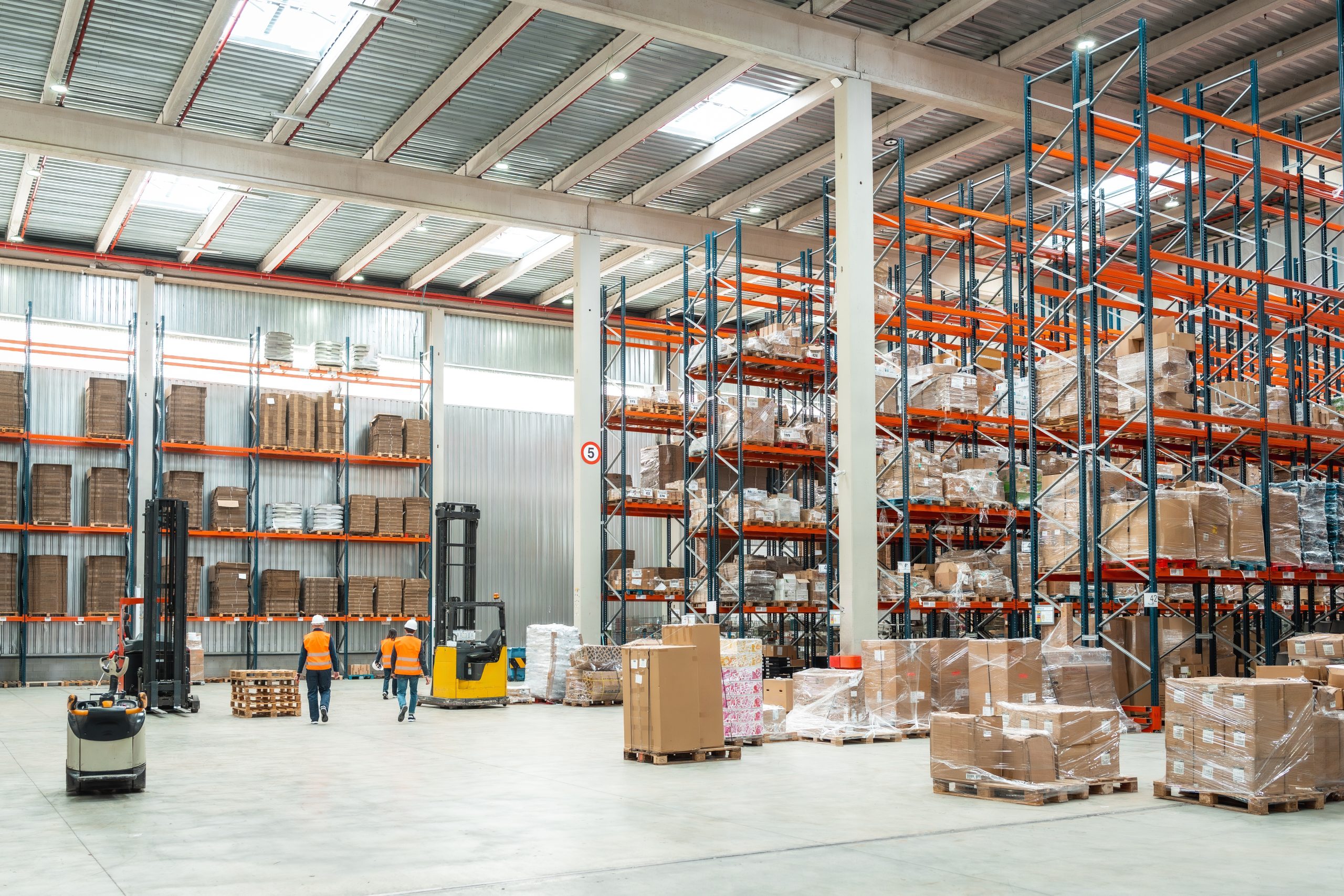
Walk through any facility that loses time hunting for parts and you will hear the same sound: radios asking where things are. The problem is not only counting; it is cartography. When locations are vague, inconsistent, or optional, transactions detach from places and the system becomes a ledger of wishes. A coherent location tree site to building to floor to room to cabinet to bin turns the building into a map the software can read and the people can trust. It is unglamorous work, and it is transformative.

The first virtue of a good location model is hierarchy. Everything rolls up to a parent, and nothing floats. The coded path HQC-BLD2-MEZ-RM031-CAB04-BINB3 tells a human where to walk and tells a machine how to compute. It allows you to build cycle-count routes that begin and end in fifteen minutes because they follow physical adjacency; it allows audits to filter by room and cabinet and bin, not by guess. You do not need complex rules if the structure makes sense. You do need discipline: free-text locations are corrosive because they look useful in the moment and become unsearchable the moment after.


Naming is not a place to be clever. Names should be parseable at a glance: building numbers or letters, mezzanines that say MEZ, labs that say LAB, rooms that count upward logically. Cabinets and drawers and bins must obey a pattern that a new hire can understand without instruction. The codes themselves should be human-readable, not only barcode-ready, because in the hour the scanner dies you want the operator to win anyway. A stable name survives a rearranged room; the map can change while the code lives on. This is a small thing with a large effect because it prevents the slow drift of “temporary” stickers and “we moved it last month” excuses that break traceability.


Labels are the embodiment of your model. If they glare under LED strips or turn to mush in the cold room, the system will lie. Door labels should declare the building, floor, and room with large type and a QR to the room’s map. Cabinet labels should display cabinet and drawer codes with a tiny schematic that shows the drawer sequence. Bin labels should carry the full path and leave space for item labels. It sounds fussy; it saves hours. The best label is the one you can scan from the distance you actually work, not the distance of a design screen.


A good tree would be academic if it did not drive processes. In receiving, a putaway task should point to a destination that exists, not a memory in someone’s head. In transfers, scan-out and scan-in should be the rule that produces reliable movement, and the software should nudge when a destination is ambiguous. In kitting, staging to a temporary work-order bin should nest that bin under the room and cabinet where the work will happen so the story of the kit remains readable later. In audits, asking for chain-of-custody at a bin becomes a filter, not a crusade.


Governance is how a clean tree stays clean. New rooms and cabinets shouldn’t appear as folklore; they should be requested through a small form that asks for the parent, the intended purpose, and a photo. Retired locations should not vanish; they should be deactivated with an end date so history remains intact. Once a quarter, pick a sample of bins and walk them; see that the physical label matches the coded path. The walk is not to shame anyone; it is to keep the human and the digital in agreement, because disagreement is where time evaporates.


Metrics tell you whether the map is more than tidy diagrams. If time-to-locate drops, if the percentage of transactions with location scans rises, if mis-slot rates trend down, the structure is doing its job. If cycle routes begin to be completed on schedule because the routes are short and logical, the structure is paying dividends. If investigation time shrinks because movement filters by room and cabinet, the structure is buying back hours. You cannot measure your way out of a bad model, but you can use measurement to make a decent model excellent.


Perhaps the most underappreciated benefit of a location tree is training. New hires learn places before they learn processes. When codes describe reality, comprehension arrives early; when maps match labels and labels match screens, confidence forms quickly. That confidence prevents a predictable pattern: new employees who avoid scanning because scanning feels like friction. When scanning reveals a path, the device becomes a guide, not a hurdle. This is why the location model is not an IT artifact. It is a cultural artifact. It makes a building readable, and readable buildings make reliable operations.


There is a temptation to design from the center out—to perfect the item master, the vendor list, the purchase flow and leave locations for later. But inventory lives in space before it lives in a ledger. A good location tree is an accelerant for every other improvement because it removes a silent tax: the minutes burned searching, the double handling caused by ambiguous bins, the reconciliations that cannot reconcile because the path was never stable. It is worth doing once, doing slowly enough to get right, and then protecting with simple rules that everyone can follow.


In practice, the work is humble. You count buildings and rooms. You decide what a cabinet is and what a drawer is and how many bins a drawer can reasonably hold. You choose a code for quarantine and a substrate for the cold room. You print labels and place them where hands can actually scan them. You walk with people who live on the floor and ask, in their language, whether the path makes sense. You change what does not. You resist the fancy thing that will not survive the second shift. And then one Tuesday, the radios sound different. Someone calls a code, someone else walks straight to it, and the problem you failed to dramatize becomes the problem you quietly solved.