

Asset Tagging and Labeling: Standardize, Scan, and Track With Confidence
Assign barcode, QR, and RFID tags to every asset across hardware, tools, vehicles, and equipment. Generate labels directly from the system. Link every tag to the asset record it identifies. Full audit trail on every tag event from creation through retirement.
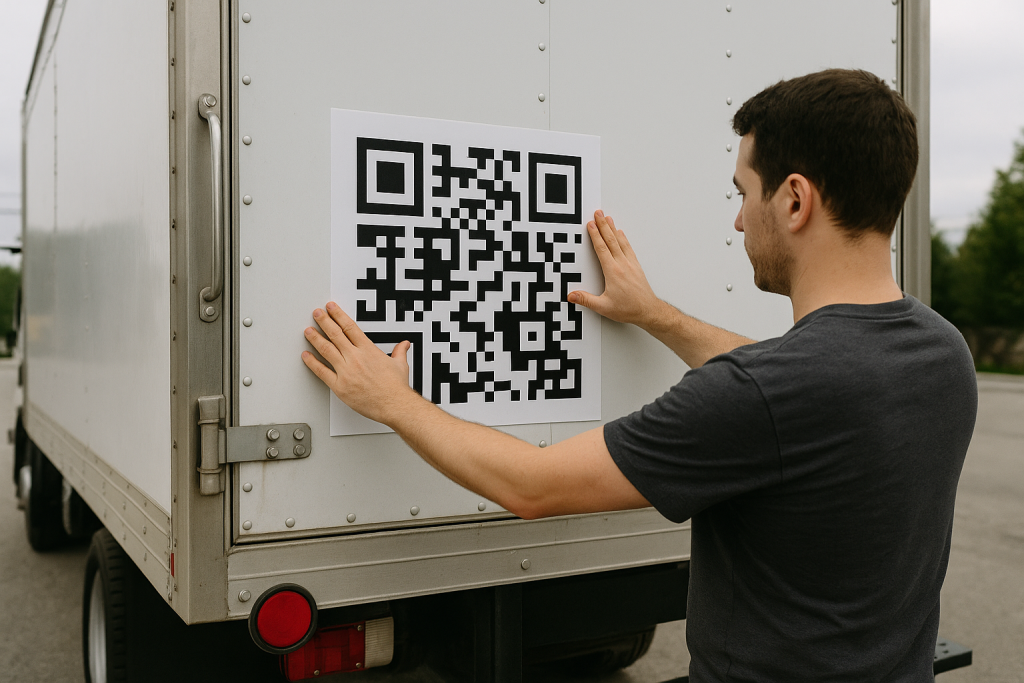
In 2026, asset audits that require physically locating every asset to verify its existence are taking time that a well-maintained tag system would eliminate entirely. A scan confirms the asset, its current location, its assignment, and its lifecycle status in under a second. The audit that used to take two days takes two hours. FireFlight's Asset Tagging and Labeling app makes that possible by connecting every tag to a live asset record rather than to a static label with no system integration.
Schedule your free consultationHow does FireFlight connect asset tags to live system records?
Each tag in FireFlight links directly to the asset record it identifies. When a tag is scanned, the full asset record retrieves instantly from the browser interface on any connected device: current location, user assignment, department, lifecycle status, and service history all visible from the scan without a manual lookup in a separate system. The tag is not just a label. It is an access point into the asset's complete operational record.
Changes to the asset's location or assignment update the connected tag record automatically. When an asset moves to a new department or a new user takes possession, the scan at the new location reflects the current state rather than the state at the time the label was printed. The tag stays current because it connects to the record rather than containing static information printed on the label surface.
PCG has been building asset management systems for industrial, IT, and compliance-driven organizations for over 30 years. The difference between a tagging system that improves audit accuracy and one that creates a new data reconciliation problem is exactly this: the tag either links to a live record or it does not. A printed label with no system connection is a label. A scan-linked tag is an asset management tool.
How does FireFlight handle retagging for transfers, replacements, and retirements?
Retagging workflows in FireFlight manage tag reassignment for every lifecycle event that changes a tag's status. When an asset transfers to a new department, the tag can retain its assignment or be replaced with a new tag carrying the updated site and department data. When a tag is physically damaged and replaced, the new tag links to the same asset record and the old tag history persists as a closed record rather than being deleted. When an asset retires, the associated tag deactivates without removing the historical record.
The full tag history for every asset is traceable: every tag that was ever associated with the asset, when it was assigned, when it was replaced, and why. For organizations subject to fixed asset audits where tag continuity is a documentation requirement, this history answers the question of how the current tag relates to the original tag assigned at acquisition.
What apps does Asset Tagging and Labeling connect with?


What unlinked asset tags cost organizations at audit time: Tags on assets that the system shows as retired. Assets in active use with no tag because the label fell off and was never replaced. Tags whose format is not consistent across departments, making the audit process different for each facility. Tag history that cannot be produced because tags were managed in a spreadsheet that was last updated when the tagging system was first set up.
FireFlight's Asset Tagging and Labeling app closes each of those gaps. Tags generate from configurable templates that enforce the same format across departments and facilities. Retagging workflows handle replacement and retirement without creating orphaned records. The tag audit trail is in the system from the first tag assignment. And because every tag connects to a live asset record, a scan at audit time confirms not just that the asset exists but that its location, assignment, and lifecycle status are current at the moment the auditor asks.

Your Personal Guide on Every Page
From the first click to the final step, Ikhana, your on-screen tutor, shows you how it all works. Every field, every button, every page explained with clarity, right where you need it.
In the Asset Tagging and Labeling app, Ikhana walks facilities teams, IT staff, and procurement coordinators through tag assignment workflows, label template setup, retagging procedures, and audit trail navigation. New team members are managing the full tag system accurately from their first week without a dedicated training session for each workflow type.
Learn more about IkhanaWhat does the Asset Tagging and Labeling app actually do?
-
 Tags for hardware, tools, vehicles, and equipment in multiple formats: Barcode, QR code, and RFID all supported. Every asset class across IT hardware, facilities equipment, fleet vehicles, and operational tools is taggable in the format your operation uses. PCG configures format support for your specific scanning and printing hardware during deployment.
-
Label generation directly from the system with configurable templates: Labels generate from within the asset record using templates that include asset name, ID, site, department, and any other fields relevant to your tagging standard. Templates enforce consistent label format across departments and facilities. Labels print directly to standard or mobile label printers without a separate label design tool.
-
Tags linked to asset location, user assignment, and lifecycle data: Every tag connects to the asset record it identifies. A scan retrieves current location, assignment, department, and lifecycle status in real time. The tag is an access point into the live record rather than a static label whose information becomes stale the moment the asset moves or changes hands.
-
Retagging workflows for transfers, replacements, and retirements: Tag reassignment for every lifecycle event is a managed workflow rather than an ad hoc update. Previous tags log as history rather than being deleted. Retired asset tags deactivate with the historical record intact. The full tag chain for every asset is traceable from acquisition through end of service.
-
Full audit trail for every tag event: Tag creation, updates, replacements, and deletions all log with timestamp and user attribution. For compliance audits where tag history is a documentation requirement, the trail is in the system record rather than in a paper log or spreadsheet that may not be current.
-
Mobile scanning and printing compatibility: FireFlight's tag functionality runs through the browser on any connected device. Handheld scanners, mobile cameras, and mobile printers all work without a separate scanning application or proprietary hardware requirement. Field teams and warehouse staff scan and verify assets wherever the work happens.
What PCG learned building asset tagging systems across 31 years of industrial and IT asset management implementations: The tagging systems that improve audit accuracy are the ones where the tag is connected to a live record. The ones that do not are the ones where the label has the right information printed on it when it is applied and outdated information on it six months later when the auditor scans it.
FireFlight's Asset Tagging and Labeling app makes every tag a live connection rather than a static label by linking it to the asset record that stays current through normal operational updates. The tag improves in value over time rather than degrading as the printed information becomes stale. Deployments complete in weeks, not months, and existing tag assignments migrate as part of the process.
"Standardized labels and tag scans eliminated manual errors in our fixed asset audits. The audit team scans instead of transcribing, and the error rate dropped to near zero."Procurement LeadRegional Utility Company
What changes after deploying Asset Tagging and Labeling?
-
Fixed asset audits run faster. A scan confirms existence, location, and lifecycle status in under a second rather than requiring a manual lookup in the asset registry after the physical verification.
-
Label format is consistent across departments and facilities. Templates enforce the same data fields and format regardless of who generates the label or where the asset is deployed. Audits that previously required reconciling different tagging conventions across sites now work from a single standard.
-
Tag history is available when the compliance question is asked. Every tag event for every asset is in the system record rather than in a log that may not have been maintained consistently since the tagging system was set up.
-
Damaged and missing tags get replaced through a managed workflow rather than a manual update. The replacement links to the same asset record. The previous tag history persists. No continuity gap between the original tag and the replacement.
-
Mobile teams scan and verify assets without returning to a workstation. The full asset record is accessible from the scan on any connected mobile device, so field verification and inventory work happen at the asset's location rather than requiring a separate data entry step back at a desk.
Questions about FireFlight Asset Tagging and Labeling
What tag formats does FireFlight Asset Tagging and Labeling support?
What tag formats does FireFlight Asset Tagging and Labeling support?
How does FireFlight link asset tags to inventory, location, and lifecycle data?
How does FireFlight link asset tags to inventory, location, and lifecycle data?
How does FireFlight handle retagging when assets are transferred, replaced, or retired?
How does FireFlight handle retagging when assets are transferred, replaced, or retired?
Does FireFlight keep an audit trail for tag creation, updates, and deletions?
Does FireFlight keep an audit trail for tag creation, updates, and deletions?
Can FireFlight generate and print labels directly from the system?
Can FireFlight generate and print labels directly from the system?
Does FireFlight Asset Tagging work on mobile scanning devices?
Does FireFlight Asset Tagging work on mobile scanning devices?
How long does it take to deploy Asset Tagging and Labeling in FireFlight?
How long does it take to deploy Asset Tagging and Labeling in FireFlight?
In 2026, an asset tag that is not connected to a live system record is a label that becomes wrong the moment the asset moves. FireFlight's Asset Tagging and Labeling app makes every tag an access point into the asset's current record: location, assignment, lifecycle status, and service history all from a single scan. Deployments complete in weeks, not months.
Schedule your free consultation
FireFlight Data Systems is a product of Phoenix Consultants Group. PCG founded 1995. All system configurations are custom-built for each deployment. Implementation timelines, module availability, and integration scope vary by organization. Contact PCG directly to discuss requirements specific to your operation.







