

Move off spreadsheets and legacy tools, without stopping what works
Migrate off spreadsheets, an aging custom system, or a generic tool that never fit, onto one operational platform. Your data comes with you. Operations keep running. Most systems go live in weeks, not months.
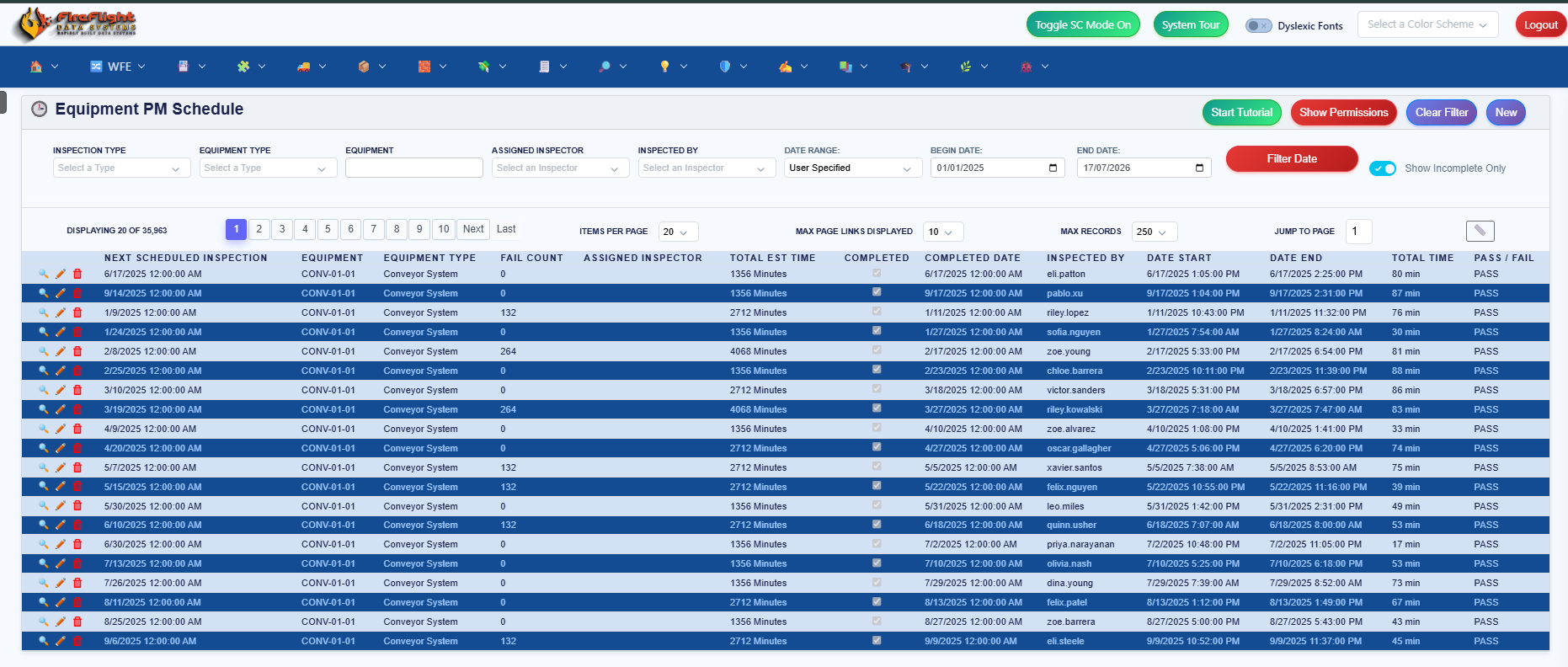
Why is moving off your current system so hard to start?
The blocker is rarely the new software. It is the fear of the move: losing years of data, stopping operations for a cutover, or starting a migration that drags on for a year and never finishes. So the spreadsheets and the aging system stay in place, and the daily cost of the patchwork keeps adding up.
Moving to the FireFlight operational platform is built to remove that fear. The data comes across, the work keeps running, and the timeline is measured in weeks. The rest of this page is how that works.
What are you actually moving off of?
Almost every team that moves to FireFlight is leaving one of three starting points. None of them are neutral choices to weigh against FireFlight. They are what you migrate from.
 Spreadsheets that broke as you grew: They worked at ten people and cracked at a hundred. Versions multiply, numbers disagree, and no one trusts the master file anymore.
- An aging custom or legacy system: An Access, VB6, or FoxPro application that runs a core process, where the original developer is long gone and no one dares touch the code.
- A generic tool that never fit: Off-the-shelf software you bent your process around, paying for modules you do not use while the parts you need are missing.

How does FireFlight make the move safe?
The migration is engineered so the risk you are afraid of does not happen. Here is what keeps it safe.
- Staged, not a big-bang cutover: Your data and workflows move in a controlled sequence, verified at each step, instead of one risky overnight switch.
- Operations keep running: The team keeps working through the migration. FireFlight comes online alongside the current system, not in place of it on day one.
- Your history comes across intact: Access databases, VB6 apps, FoxPro systems, and Excel workflows migrate onto modern .NET Core, with the records you depend on preserved.
- The team that built it runs the move: PCG has migrated and rescued operational systems since 1995. The same engineers configure FireFlight and support it after go-live.
Migration is not a big-bang cutover. PCG moves your data and workflows in stages, so operations keep running the whole time. Access, VB6, FoxPro, and Excel systems come across onto modern .NET Core, with the history you depend on intact, and most systems go live in weeks, not months.
Want to see what moving your operation onto one system looks like? Book a live demo and the team walks through work orders, inventory, and the plain-English advisor with your current system in mind, then maps a staged migration for your team.
Book a DemoWhat does the move actually look like?
- PCG maps your current system, data, and workflows, so nothing gets missed in the move.
- FireFlight is configured to how you actually work, assembled from proven modules instead of built from zero.
- Your data migrates in stages and is verified as it goes, while the old system keeps running.
- You go live in weeks, not months, and retire the old system once your team is ready.
- From day one, the built-in advisor answers questions about your live data in plain English.
Can you ask your operation a question once you have moved?
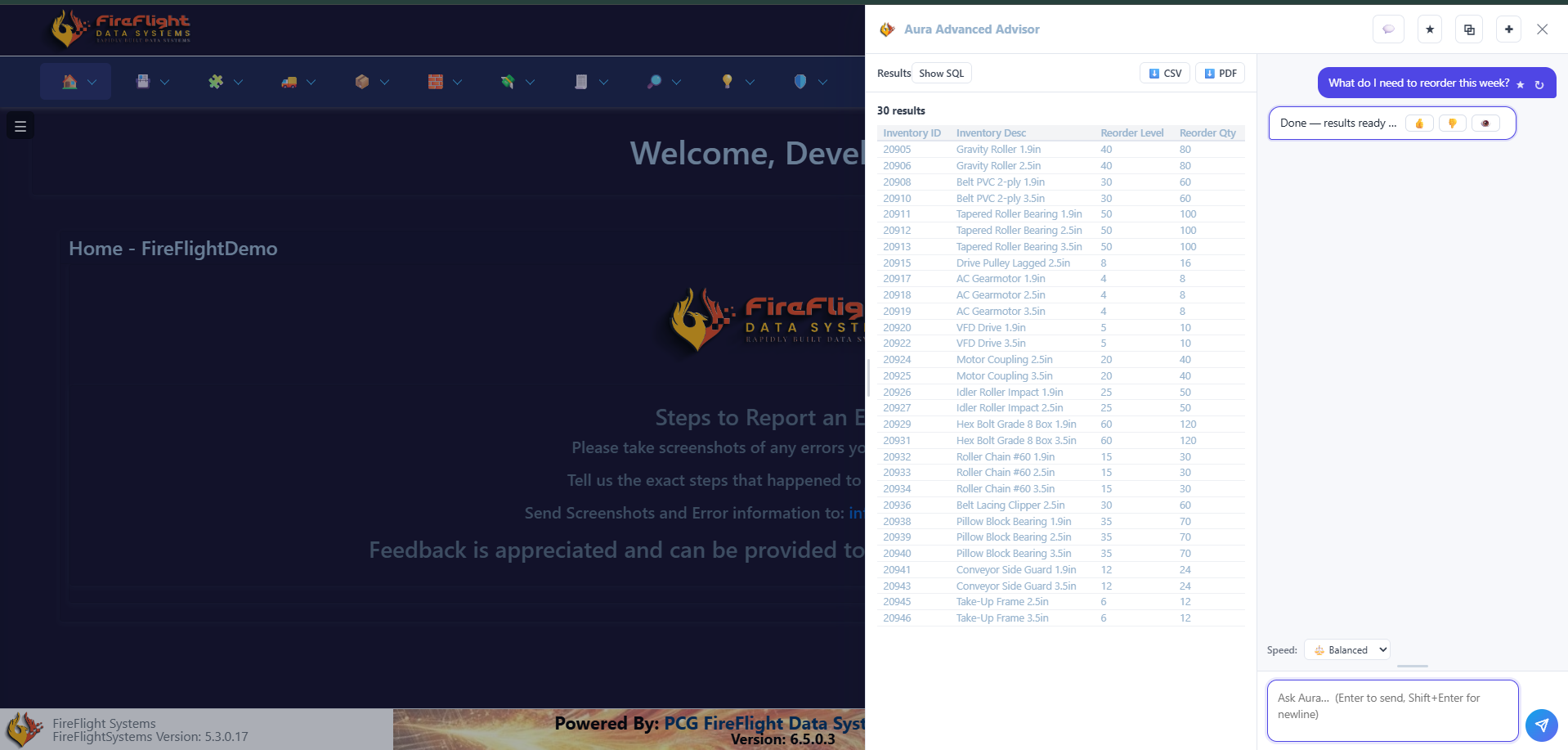
Yes. That is part of the payoff of moving to one system. When everything lives in FireFlight, you ask a question in plain English and get the records back, without building a report or exporting a spreadsheet.
Answers from your live data, in plain English
Type the question, get the records. No report builder, no SQL.
Every answer comes with Show SQL, CSV, and PDF export on the result.
FireFlight is developed and maintained exclusively by Phoenix Consultants Group. Since 1995, across 31 years, PCG has built and rescued more than 500 operational systems in over 45 industries, and migrating teams off spreadsheets and legacy tools is the core of that work. When a process needs something the platform does not cover, PCG builds it as a custom on-ramp rather than another disconnected tool.
Questions about moving to FireFlight
Will we lose any data when we migrate?
Do we have to stop operations during the migration?
How long does a migration to FireFlight take?
What happens to our old Access, VB6, or FoxPro system?
Can we migrate in phases instead of all at once?
What if FireFlight does not cover one of our processes?
Can we ask FireFlight questions in plain English?
Every week you stay on spreadsheets and an aging system is a week of versions that disagree and a system no one dares touch. FireFlight moves your data onto one platform, in stages, without stopping operations, and most systems go live in weeks, not months.
Book a Demo
FireFlight Data Systems is a product of Phoenix Consultants Group. PCG founded 1995. All system configurations are custom-built for each deployment. Migration timelines, module availability, and integration scope vary by organization. Contact PCG directly to discuss requirements specific to your operation.