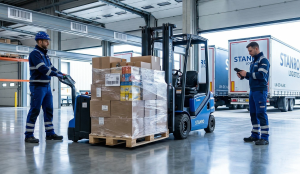
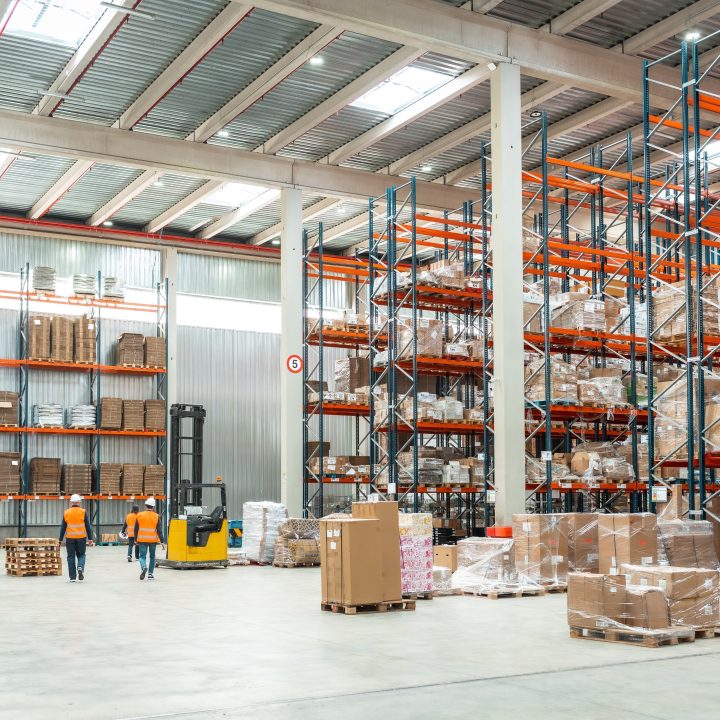



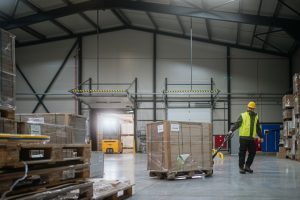
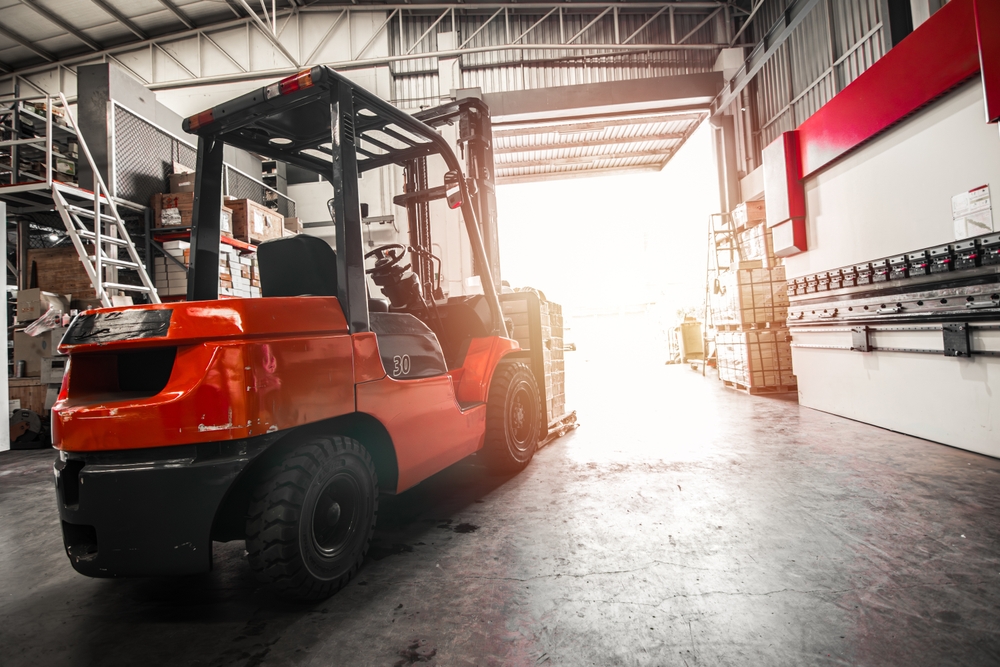


At 7:10 a.m., Door 3 looked like a yard sale. Two pallets waited in the aisle. A third sat half-open near the scale. “It’s in the system,” someone said. But the picker’s screen still showed short. The truth was simple: the goods were “in the building,” not ready to pick. That’s the gap this playbook closes.
Dock-to-stock isn’t “off the truck.” It means the pallet is labeled, cleared, and in a real bin. When that happens, planning can promise dates, and pickers can move without hunting. The goal is to make that happen in about 30 minutes—not by rushing, but by making the path short and clear.
Habit 1: Context first, always.
Use one scan order every time: PO/ASN – pallet ID – destination. That order glues the move to a place. When the pallet lands in Aisle 4, Bay 07, the system, and a human, can follow the story.
Habit 2: Give “weird” a real lane.
If something looks wrong (damage, warm, count off), don’t park it “for later.” Scan it into Quarantine-01 a real location two steps from the dock. The state flips to non-pickable and a clock starts. Planning stops counting ghosts. QA sees proof, not a mystery.
Habit 3: Move in small loops.
Skip the big pile on the floor. Run micro-routes: five to ten pallets by zone, straight from door to bins and back. Less walking. Fewer choices. Faster flow.
🐦🔥Big, readable location labels. Print the full path next to the barcode: building-room-aisle-bay-level-bin. You should read it at arm’s length. New hires should land in the right bay without asking.
🐦🔥Quarantine close to the dock. Bright sign. Unique code. A cart with camera, tags, and a quick guide.
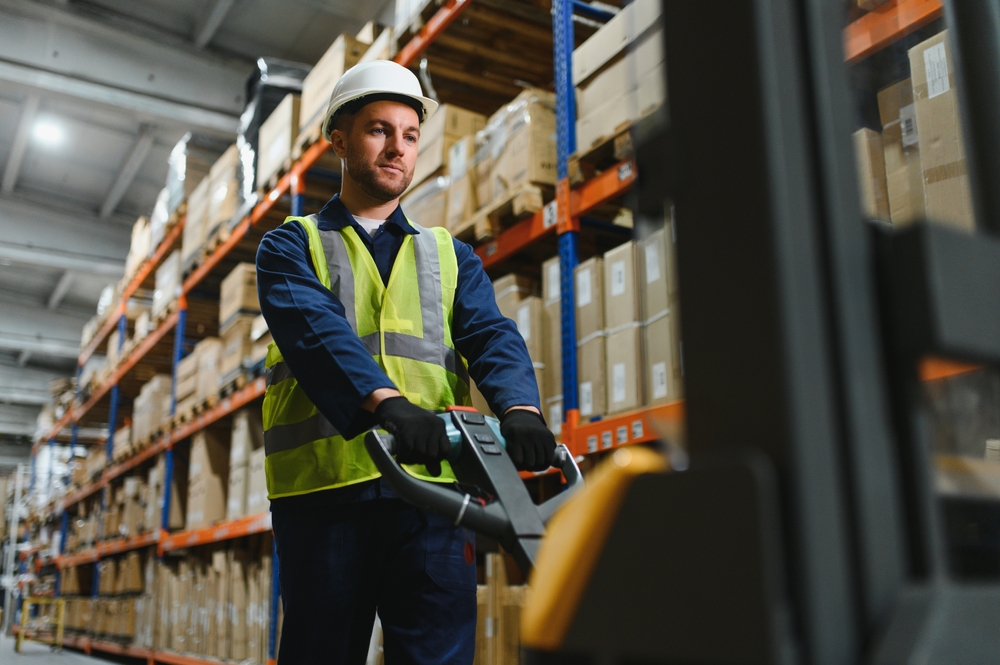
🐦🔥Tools by lane. Fast lane gets pallet jacks; standard gets a mixed cart; problem lane gets the camera cart and “quarantine” tags.
At the dock, long notes turn into long delays. Capture three small proofs at intake when something is off: a photo, a reason code (e.g., packaging damage), and a reading if needed (e.g., temperature). It takes under a minute and kills a dozen emails later.
We are thrilled that you are interested in the FireFlight Data Systems. Very shortly, we’ll be opening our demo site up for FireFlight Data Systems Release 5. It’s an exciting time and the new release has so many features we can’t even list them here. Please put in your Name and Email Address and we will keep you up to date on the latest launch date. The FireFlight Design Team at Phoenix Consultants Group.
Before: Trucks arrive in a clump. The team opens three POs at once. Pallets sit in the aisle while someone hunts for a bin. “We’ll finish the receipt later.” By noon, picking is late, and support asks why orders slipped.
After: Appointments land in 30-minute blocks. At the gate, a quick scan shows which door and lane. The door team opens the PO, prints pallet IDs, and starts a micro-route. Anything odd goes straight to Quarantine-01 with a photo and reason. The receipt finishes at the bin—not at the door. By 9:00 a.m., what came in at 8:30 is pickable. The aisle is clear. The radio is quiet.
🐦🔥Gate-to-door time. If trucks wait to be told where to go, fix the gate scan and schedule.
🐦🔥Door-to-pickable time. If this is long, you’re staging in the aisle or the labels are hard to read.
🐦🔥Receiving corrections. Many corrections mean the scan order is drifting or the PO is opened too late.
When these three trend the right way, OTIF improves without more space or headcount.
🐦🔥“The aisle keeps filling up.” Force micro-routes. Unload five, put five away, then repeat.
🐦🔥“Vendors show up without ASNs.” Put them in a problem lane by default. Fewer per block. More time per load.
🐦🔥“We still count damaged stock as available.” You don’t—if quarantine is a real location and set to non-pickable on scan-in. Make that the rule.
Pilot with one door for one week. Print full-path labels for two aisles. Move Quarantine-01 next to the dock. Teach the scan order in a five-minute huddle. On Friday, show the team the chart: gate-to-door, door-to-pickable. Keep what worked; adjust what didn’t.
Where FireFlight helps: FireFlight enforces the scan order, turns Quarantine-01 into a real state with photo/reason capture, and prints full-path location labels that scan at arm’s length. The receiving screen supports micro-routes, and dashboards show gate-to-door, door-to-pickable, and receiving corrections in real time. Want this running on your floor? Contact us to schedule a live demo.
Schedule your FireFlight demo today and unlock a clearer path.