

Interactive Tutorial Engine: Step-by-Step Help Right on the Screen
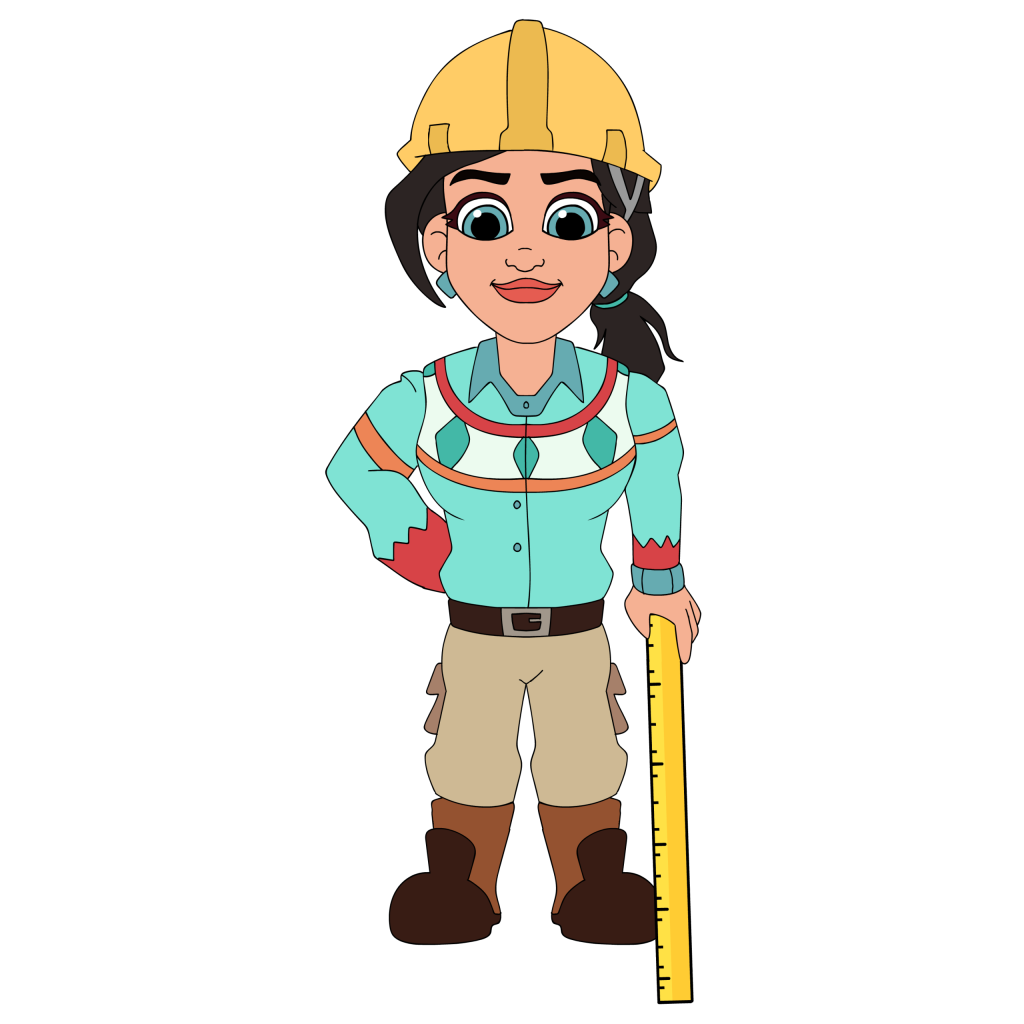
The Interactive Tutorial Engine puts Ikhana on the screen as a live trainer. She walks users step by step through any feature, points to exactly where to click, plus explains what each field does, all while they work.
Ikhana is not a static help icon. She is your on-screen trainer, there the moment you need her, pointer ready.
She guides you step by step through every feature, showing exactly where to click and what each field does. Whether you are onboarding a new hire or rolling out a new process, learning happens fast and without the frustration.
Why does traditional training fade so fast?
Someone sits through an onboarding session or a stack of videos, nods along, then forgets most of it by the time they actually need it. Training that happens before the work rarely survives contact with the work. Three weeks in, they are guessing or asking a colleague.
Hunting through a manual is no better. Nobody pauses mid-task to flip through a PDF for the one step they are unsure about. In 2026, when a team is expected to pick up a new tool and keep moving, training that lives outside the system is training that gets skipped.
The Interactive Tutorial Engine moves the training into the work. Ikhana walks the user through the actual process, on the actual screen, the moment they hit it. Learning happens by doing, so it sticks.
How does the engine teach while people work?
Ikhana runs as a live, on-screen trainer. Hover a field and she tells you what it is for and how to fill it. Start a process and she leads you through it step by step, pointing to the next action so nobody has to guess what comes next.
Because the guidance is built in, it stays consistent. Every employee gets the same accurate, current instructions, whether they started today or two years ago. A system tour gives quick orientation, and the step-by-step walkthroughs cover onboarding and any new feature you roll out.
Most deployments run in weeks, not months. The engine layers onto the apps your team already uses, so the training shows up exactly where the work does. The team stops waiting on a trainer to be free.
How does the engine keep training consistent and current?
The Interactive Tutorial Engine runs inside the same platform as your data, hosted by Phoenix Consultants Group, so the guidance respects the same role-based access as everything else. A user is walked through the screens they can reach.
Because the instructions update centrally, every employee sees the same current walkthrough, not a version that drifted out of date on someone's desktop.
What does the Interactive Tutorial Engine give your team?
 Instant field guidance the moment you hover a field.
- Help that stays on-screen during the task.
- Step-by-step process tours for onboarding and new features.
- A built-in system tour for quick orientation.
- The same accurate, current instructions for every employee.
- Plain-language explanations of every field.
- Learning by doing, reinforced through real actions.
Our technicians completed onboarding 3x faster thanks to the Interactive Tutorial Engine. It is like having a full-time trainer on every screen.Training ManagerWestern Fabrication Group
Built by people who answer the phone
Phoenix Consultants Group has built custom software since 1995. About a third of that work has been operations and compliance tracking for environmental and industrial firms, where a half-trained user on a live system is a real liability. The Interactive Tutorial Engine comes from that experience.
The same platform also adds AI reporting alongside the training. Once a user knows the screen, they can ask a plain-English question and get an answer from live data, with no canned report and no waiting on IT. Most deployments still run in weeks, not months.
What changes operationally after deployment?
- New hires reach productive work in days, not weeks.
- Everyone learns the system the same way.
- Fewer mistakes because help arrives mid-task.
- No trainer has to be free for someone to learn.
- A new feature ships with its own walkthrough.

Ikhana means to know
Ikhana means to know in Choctaw. As a Choctaw-owned company, PCG named its trainer to reflect the values it holds: clarity, teaching, plus cultural respect.
She is the face of the Interactive Tutorial Engine, carrying that meaning onto every screen she guides a user through.
Learn moreFrequently Asked Questions
What is the Interactive Tutorial Engine?
What is the Interactive Tutorial Engine?How is this different from videos or a manual?
How is this different from videos or a manual?Does every employee get the same training?
Does every employee get the same training?Can it help with onboarding new hires?
Can it help with onboarding new hires?Does the training stay current when the system changes?
Does the training stay current when the system changes?How long does it take to set up?
How long does it take to set up?
Phoenix Consultants Group. Founded 1995. FireFlight Data Systems is PCG's hosted platform. Last updated June 2026.







